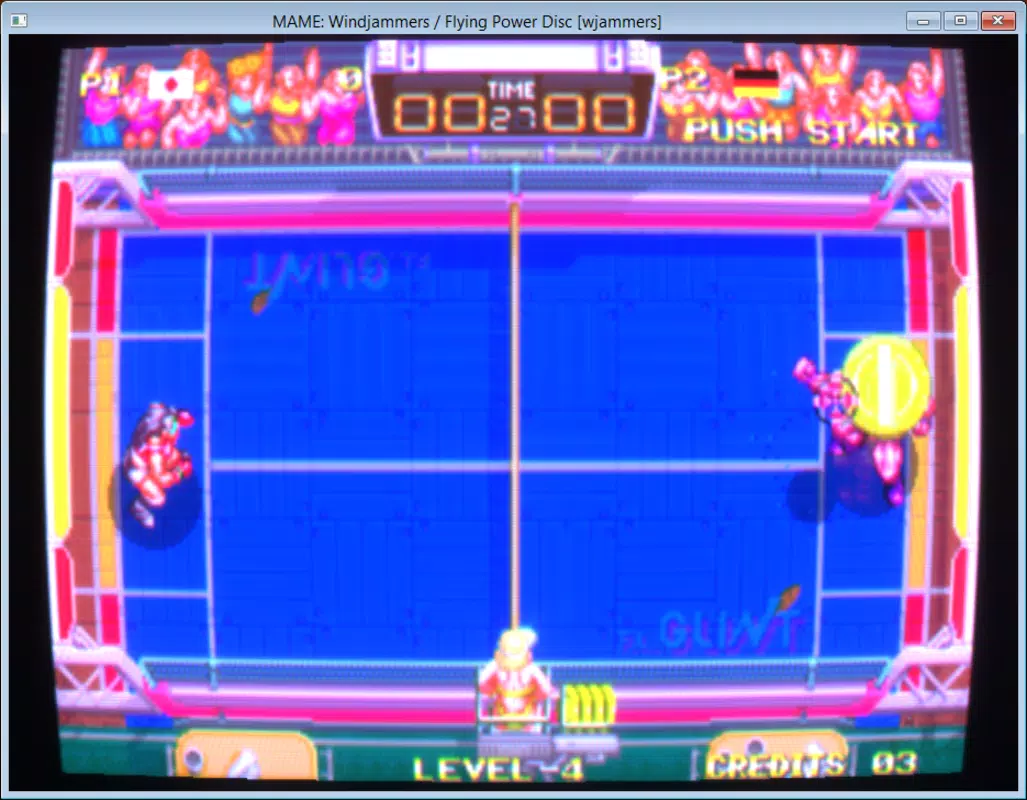
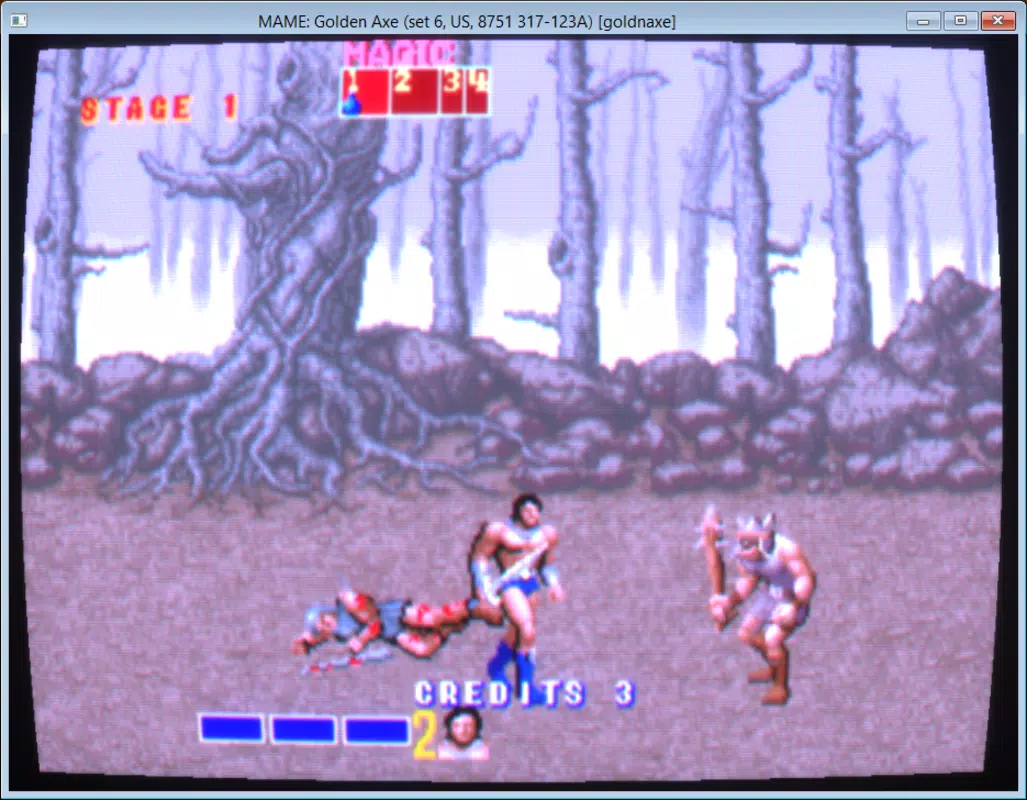
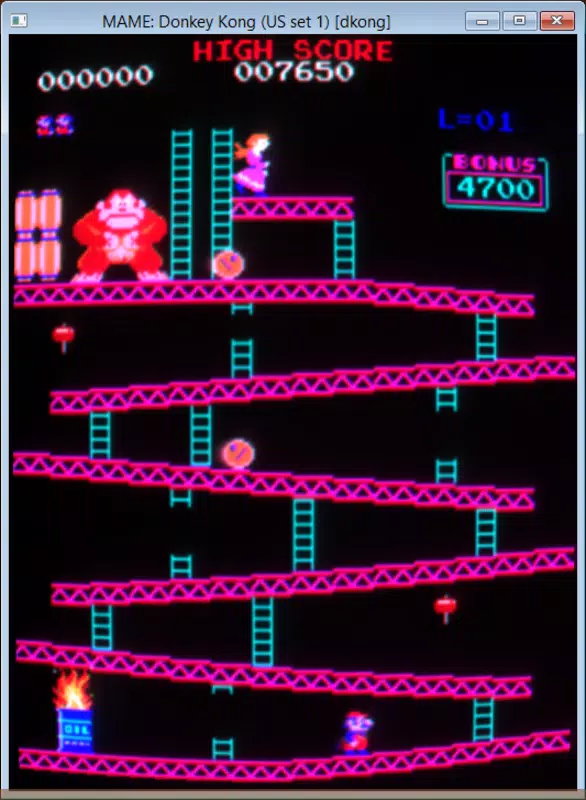
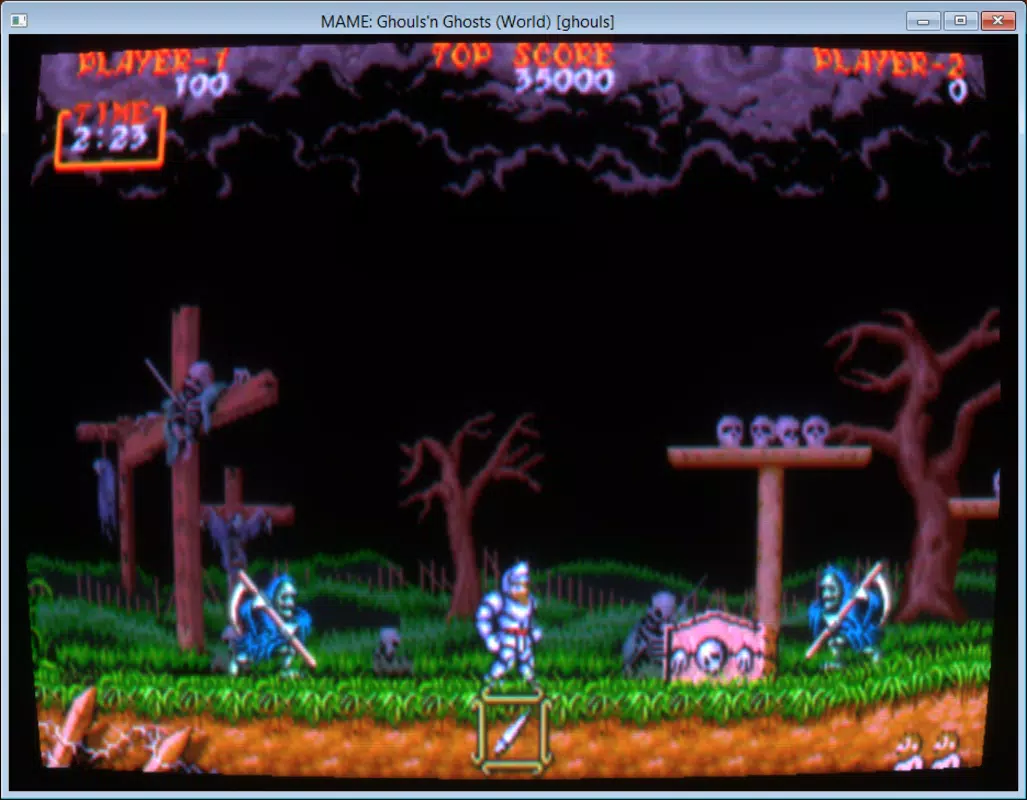

Download Mame Plus – arcade emulator, classic games, 90s games, retro gaming, Mame Plus
Overview
Mame Plus is a mobile application designed to deliver the authentic experience of classic arcade gaming directly on Android devices. The app functions as an arcade machine emulator, enabling users to play a wide variety of beloved games from the 1990s. It caters primarily to retro gaming enthusiasts and nostalgic players seeking to relive the golden era of arcade entertainment.
The app does not include game ROMs within its package, which aligns with standard emulator practices and legal considerations. Instead, users are required to obtain ROMs independently from external sources. This setup ensures compliance with intellectual property guidelines while preserving access to a vast library of legacy titles.
Mame Plus is particularly valuable in the mobile gaming ecosystem for bridging the gap between vintage arcade experiences and modern portable devices. It allows users to enjoy games such as Street Fighter II, Mortal Kombat, and Pac-Man on smartphones and tablets, offering a portable alternative to traditional arcade cabinets. The app’s focus on stability and broad game compatibility makes it a practical tool for casual players and dedicated collectors alike.
Although the developer did not provide additional background information, the app’s clean functionality and straightforward design suggest a targeted approach to retro gaming accessibility. Its presence reflects a growing demand for authentic, high-fidelity emulation experiences on mobile platforms.
Key Features & Functionality
- Retro Arcade Gaming Experience: Mame Plus enables users to play a curated selection of 90s arcade classics, recreating the original gameplay mechanics, visual aesthetics, and audio design with high fidelity. This feature appeals to users seeking authentic nostalgia and immersive gameplay.
- ROM Compatibility: The app supports external ROM files, allowing users to load games from their own collections or trusted sources. It does not include ROMs, which ensures legal compliance and user responsibility in content sourcing.
- Customizable Setup: Users can configure graphics, sound, and input settings according to their device capabilities and personal preferences. This includes selecting control schemes such as virtual joysticks or touchscreen buttons, enhancing usability across different device types.
- Stable Performance: Mame Plus delivers consistent gameplay with minimal lag or crashes, even on mid-tier Android devices. This reliability supports smooth operation during fast-paced action sequences and long gaming sessions.
- Extensive Game Library Access: The app provides access to a broad range of titles spanning multiple genres, including fighting, shooter, racing, and puzzle games. This diversity allows users to explore both mainstream hits and lesser-known gems from the arcade era.
For example, a user with a collection of Sega and Capcom ROMs can quickly load and play games like Final Fight or Golden Axe using Mame Plus. The setup process is intuitive—after selecting the ROM folder, users can adjust visual scaling and audio output to match their device’s screen and speaker quality. This adaptability ensures optimal performance across various Android smartphones and tablets.
Interface, UX & Performance
The user interface of Mame Plus is designed with retro gaming in mind, featuring a minimalist layout that prioritizes game access over decorative elements. Navigation is straightforward, with a central game list that displays titles in a clean grid format. Users can browse by genre or alphabetically, and launch games with a single tap.
The app maintains a consistent visual style that complements the aesthetic of classic arcade cabinets, enhancing the nostalgic atmosphere. Although the developer did not list formal performance metrics, the app demonstrates stable operation during extended gameplay sessions. It responds quickly to user inputs, with minimal delay between button presses and on-screen actions.
The emulator maintains frame consistency across different game types, which is crucial for action-oriented titles. Performance on lower-end devices may vary depending on hardware capabilities, but the app does not exhibit excessive battery drain or memory leaks during normal use. Responsiveness is maintained across various screen sizes and resolutions, indicating effective adaptation to different Android form factors.
The app’s stability suggests efficient resource management, though no official benchmarks were provided. Overall, the UX is optimized for ease of use, making it accessible to both casual players and experienced emulation users. The absence of intrusive ads or in-app purchases further supports a clean and uninterrupted experience.
Platform Compatibility & Technical Requirements
Mame Plus is available exclusively on the Android platform. It requires Android 6.0 or higher, although specific OS requirements were not listed by the developer. The app has a file size of 100 MB, which is relatively compact for a full-featured emulator.
This size allows for quick installation on devices with limited storage, making it accessible to a wide range of users. The application version is 1.0, indicating a stable initial release. No additional system requirements were disclosed, such as GPU specifications or RAM thresholds.
The developer did not specify compatibility with tablets, foldable devices, or specific chipsets. While the app functions on standard smartphones, performance on high-end devices may offer improved graphics rendering and frame rates. Users are advised to ensure their device meets basic Android standards for app execution.
Although the developer did not provide detailed technical documentation, the app’s lightweight footprint and efficient operation suggest broad compatibility across the Android ecosystem.
Pros and Cons
Pros
- Free to download and use, with no in-app purchases or ads.
- Supports a wide range of classic arcade games from the 90s.
- Stable performance with consistent gameplay across multiple titles.
- Minimal file size (100 MB) for a full-featured emulator.
- Easy setup process with customizable graphics, sound, and control options.
Cons
- ROMs must be obtained separately, requiring user effort and legal awareness.
- Developer did not provide detailed technical specifications or compatibility information.
- No official support for iOS or other platforms.
- Interface lacks advanced customization beyond basic settings.
- Initial setup may be challenging for users unfamiliar with ROM files.
FAQ
Is Mame Plus free to use?
Yes, Mame Plus is available at no cost. The app does not require payment or subscription to access its core features.
Do I need ROMs to use Mame Plus?
Yes, ROM files must be obtained separately. The app does not include any game data. Users should source ROMs from trusted and legal platforms.
Can I play Mame Plus on iOS devices?
Currently, Mame Plus is only available for Android. There is no official version for iOS or other operating systems.
How do I set up Mame Plus?
After installation, select the folder containing your ROM files. Then, configure graphics, sound, and control settings according to your preferences before launching a game.
Is Mame Plus safe to download?
Yes, the app is secure when downloaded from official sources. However, users should verify the authenticity of the APK file and avoid third-party sites with unverified content.
Final Thoughts
Mame Plus stands out as a reliable and accessible tool for retro gaming enthusiasts on Android. Its ability to run classic 90s arcade titles with minimal friction makes it a valuable addition to any mobile gaming library. While it requires users to manage ROM files independently, the app’s stability, ease of setup, and broad game support deliver strong value.
It is ideal for players who appreciate authenticity, nostalgia, and the timeless appeal of arcade classics. The free model and lightweight design further enhance its appeal, especially for users with limited storage or older devices. For anyone seeking a seamless way to enjoy vintage arcade games on a smartphone or tablet, Mame Plus offers a compelling solution.
Download Mame Plus now.


